
Intense Radio App
Geen App Store nodig — installeer de web-app in minder dan 30 seconden
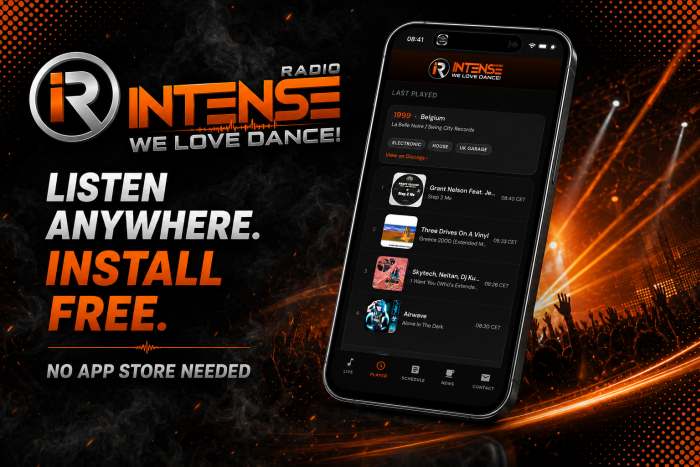
The Intense Radio App is now available as a web app. No App Store needed. Open the app, add it to your Home Screen and listen instantly.
Android
- Open intenseradio.net/app
- Tap menu (⋮)
- Choose “Add to Home Screen”
- Tap Install
iPhone / iPad
- Open intenseradio.net/app
- Tap the Share button
- Choose “Add to Home Screen”
- Tap Add
Desktop
- Open intenseradio.net/app
- Click the install icon in the address bar
- Click Install